Home - Gallery - Contact - My
Origami
- Videos -
Privacy Policy
ORIGAMI PAPERS FOR VARIOUS MODELS
Click on a picture to see the paper in large.
Then select the option 'print' in the menu-bar of your
internet-browser to print it out.

These are cute polkadot
patterns:
blue/white
polkadots white/red polkadots
red/yellow polkadots red/white
polkadots
pink/red polkadots
pink/white polkadots
yellow/red polkadots



Here are some models
which can be folded from polkadots origami papers:
(click on a picture to see diagrams of the model)


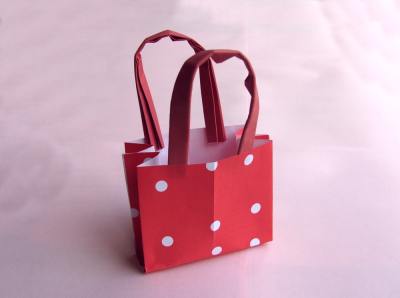
Shoppingbag
Giftbox
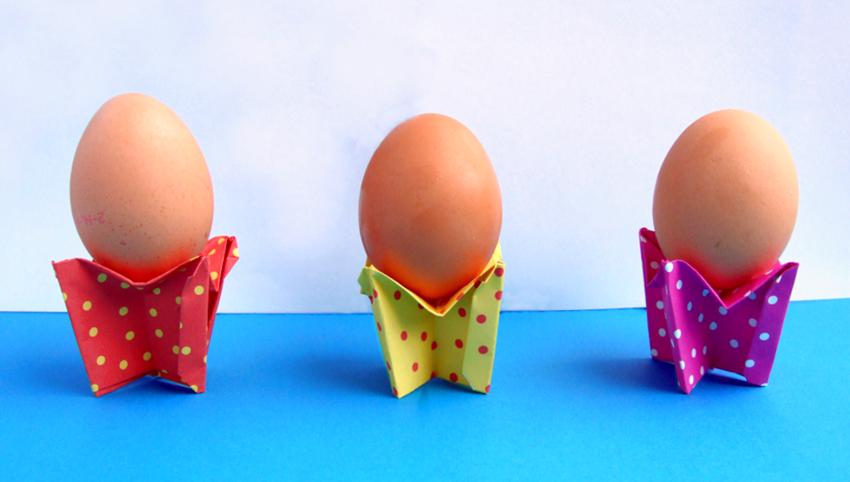
Egg Cups
Hearts

Mushroom paper

These are printable
Origami mushroom papers:
(click on a picture to see folding instructions for the model)
Mushroom paper

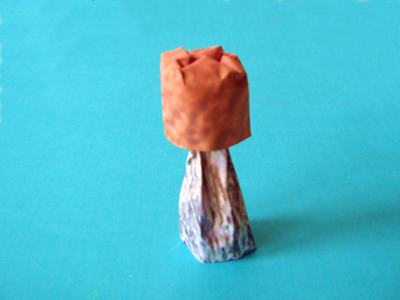

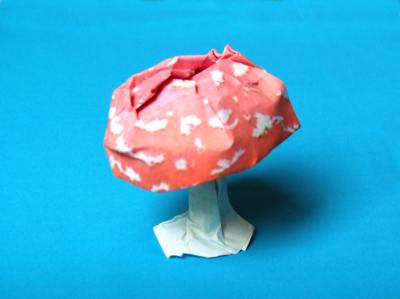
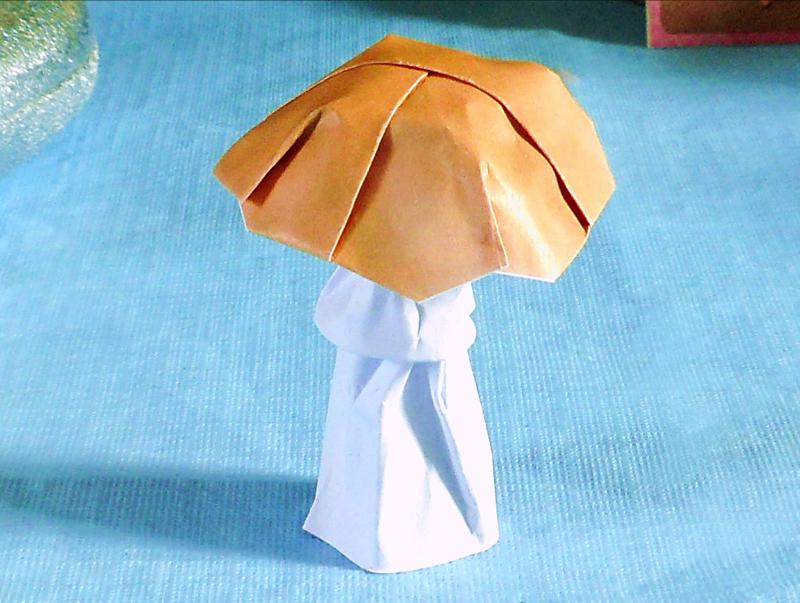
Mushroom paper
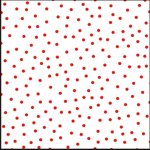

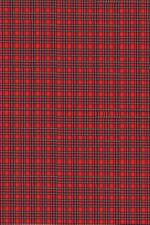 Suitcase
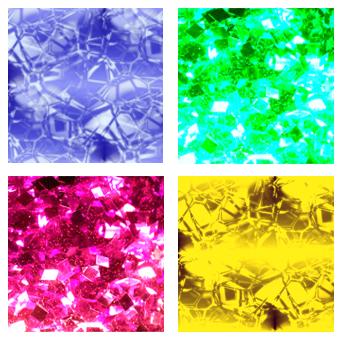 Gemstones
 Cups
Cups
 Pencil
Case
The video tutorial for the pencil case is on
X.com
Pencil
Case
The video tutorial for the pencil case is on
X.com
 Pencil Box
 Gift
Bag The video
tutorial for the gift bag is on X.com
Gift
Bag The video
tutorial for the gift bag is on X.com
 Winged
Heart
Winged
Heart
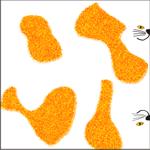 Cat Bank